ATMs facility are becoming modern day by day. With specialised terminals and additional authentication systems, customers can access a growing range of banking services without standing in a branch queue.
Instant Debit-Card Through ATMs
One of the newer proposed ATM-related facility is to obtain a personalised physical debit card directly from an ATM so that customers do not have to wait for physical card to arrive through postal delivery after opening an account.
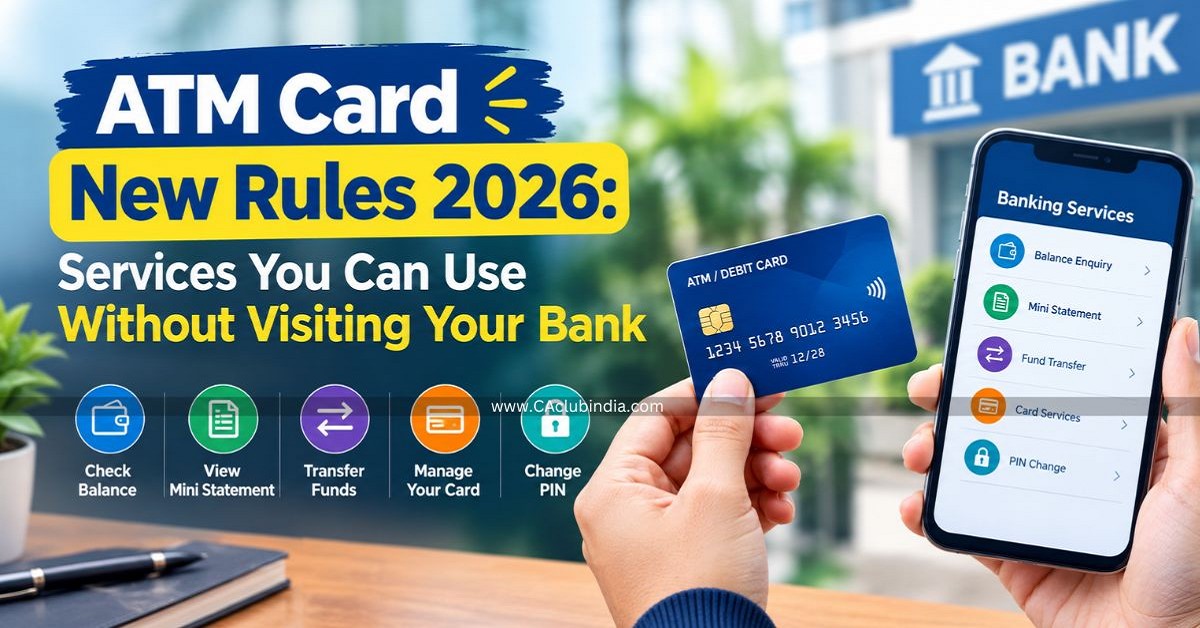
- At the Global Fintech Fest 2026 in Mumbai, the department of financial services showed a new ATM that issues your card on the spot.
- It can print a personalised RuPay debit, credit or National Common Mobility Card (NCMC) right at the machine.
- The 9 banks which are testing this facility are State Bank of India, Bank of Baroda, union Bank of India, Punjab National Bank, Bank of India, Central Bank of India, Slice Small Finance Bank and Airtel Payments Bank.
- The same machines are being built to also accept cheques, open accounts, take loan applications and print a merchant UPI OQ code.
Fixed-Deposit Opening Through ATM
Some banks provide customers an option to create an Fixed Deposit through an ATM. This can allow customers to transfer money from their savings account into a fixed deposit without visiting a branch.
Process include:
If bank supports ATM based FD creation, you may:
- Select the FD option.
- Choose the deposit tenure.
- Enter or select the deposit amount.
- Review the displayed instructions.
- Confirm the transaction.
The selected amount is transferred from the savings account to the FD according to the bank's process.
Note
FD interest rates, premature withdrawal conditions, minimum deposit amounts and other terms depend on the bank and the particular FD scheme.
Cheque-Book Request
Customers can submit a cheque-book request through an ATM where the service is available.
The customer generally needs to:
- Insert the debit card.
- Enter the ATM PIN.
- Open the service-request menu.
- Select the cheque-book request option.
- Confirm the request.
The cheque book is generally sent to the registered address associated with the account.
Balance Inquiry
A customer can check how much money is available through the debit card, you just need to insert or swipe debit card -> enter the ATM PIN and select the balance inquiry option. The available balance will be displayed on the screen.
Mini Account Statement
Customers can check mini statement through ATM which shows summary of recent account transactions.
Debit Card PIN Change or Reset
Customers can change their debit-card PIN through supported ATMs.
- Insert the debit card.
- Enter the existing PIN and complete verification.
- Select PIN change.
- Enter new PIN and confirm.
Some banks may also provide PIN generation or reset facilities using mobile-number or OTP-based verification.
Mobile Number Registration Update
Some banks provides customers to register or update the mobile number linked to their bank account through an ATM.
The process may involve verification through an OTP sent to the existing or new mobile number.
Fund Transfer Through ATM
Some ATMs allow customers to transfer money particularly within the same bank.
Process involve:
- Insert the debit card.
- Enter the ATM PIN.
- Select the fund-transfer.
- Enter the beneficiary or account details.
- Enter the amount.
- Verify the details.
- Confirm the transaction.
The transaction is subject to the bank's applicable limits and rules.
Credit-Card or Utility Bill Payment
Some ATMs may allow customers to pay their credit-card or utility-bill. Depending on the bank, customers may be able to pay bills related to:
- Electricity
- Water
- Gas
- Telephone
- Internet
- Postpaid mobile services
For Example
Suppose you have Rs.15,000 credit card bill and want to pay from bank account. You need to enter the required credit-card or account details, enter the payment amount and confirm the transaction.
For utility bill you need to enter consumer number -> the bill details are displayed -> Confirm the amount and Pay.
Mobile-Banking Registration
Certain ATMs may provide mobile-banking registration or activation facilities to customers
The process involve:
- Select mobile banking registration.
- Verify Debit-card and account details
- Complete OTP verification or other authentication
- A reference code, where applicable.
The exact procedure depends on the bank's mobile-banking system.
Also Read - ATM Withdrawal Limits and Charges











 CAclubindia