
Quick Summary
Table of Contents
- Who is eligible to enroll for an Aadhaar Card?
- What documents are needed for Aadhaar Card enrolment?
- Documents Required for OCI Cardholders/LTV Document Holders/Nepal & Bhutan Nationals and Other Resident Foreigners
- Process to apply for an Aadhaar card
- How to Download e-Aadhaar Card Online
- Steps to check your Aadhaar enrolment status online
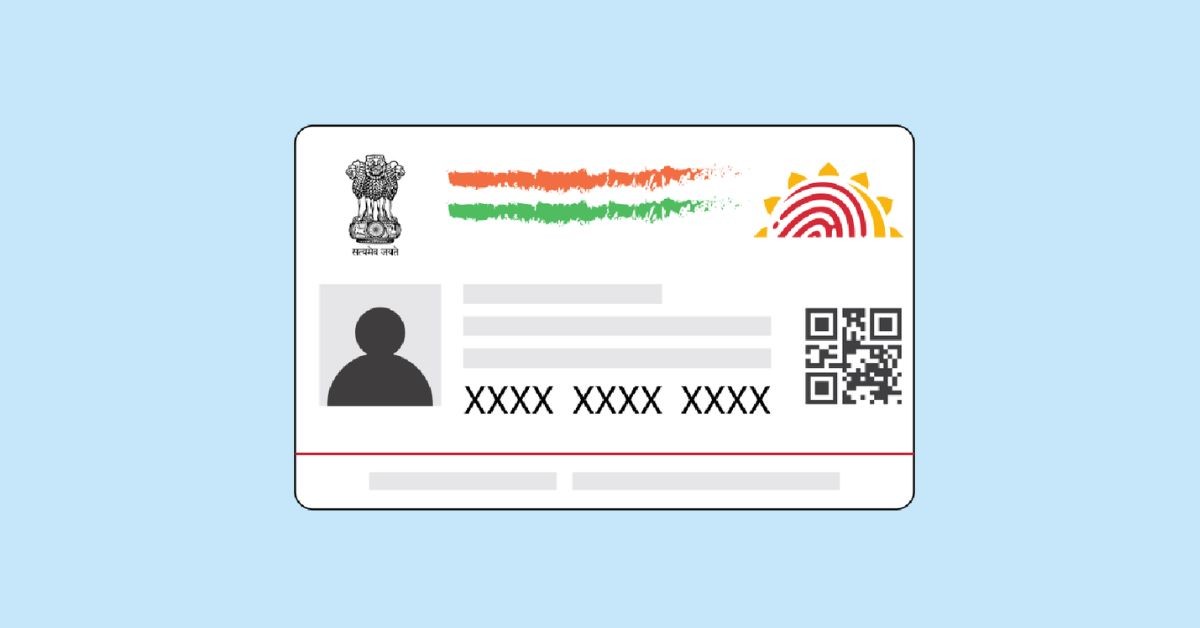
The Aadhaar Card is a unique identification card issued by the Indian government. It contains a 12-digit unique identification number called Aadhaar number, which is linked to an individual's biometric and demographic data. It's used as a proof of identity and address for various government and private services in India.
Who is eligible to enroll for an Aadhaar Card?
Eligibility for Aadhaar enrollment includes Indian citizens, non-resident Indians, OCI cardholders meeting residency conditions, certain minority community LTV holders, Nepal/Bhutan nationals, and other foreigners staying in India for 182 days in the last year.
What documents are needed for Aadhaar Card enrolment?
Documents Required for Resident Indians
The required documents for Aadhaar Card enrolment for resident Indians:
- Identity Proofs: Acceptable documents include Passport, PAN card, Voter ID, and Driving license.
- Address Proofs: Valid options are Passport, Bank passbook or statement, and EPFO-issued identity certificate.
- Date of Birth Proofs: These can include Birth certificate, Passport, PAN card, and Date of Birth certificate issued by Group A Gazetted Officer.
- Proofs of Relationship: You can use a Medical card from State Government, Passport, or a Village authority-issued certificate to prove your relationship with the Head of Family (HoF).
Documents Required for Child/Minors
For Aadhaar cards for children:
- Documents: Similar to normal applicants.
- Parent's Aadhaar: One parent's Aadhaar copy needed.
- Biometric Data: Not required for children below 5 years.
- Biometrics at 5: Biometric data taken at 5 years of age.
Documents Required for OCI Cardholders/LTV Document Holders/Nepal & Bhutan Nationals and Other Resident Foreigners
For OCI Cardholders
- Proofs: Valid OCI card + valid foreign passport with 182 days stay in India.
For Long Term VISA (LTV) Holders
- Proofs: Valid Long Term VISA (LTV) document + valid/expired foreign passport from specific countries (Afghanistan, Pakistan, Bangladesh minorities).
For Nepal & Bhutan Nationals (ID Proof)
- Options: Passport of Nepal/Bhutan or combination of certain documents with same address.
For Other Resident Foreigners (ID Proof)
- Options: Valid VISA + valid foreign passport with 182 days stay.
- Address Proof: Valid Registration Certificate/Residential permit issued by FRRO/FRO (except OCI, LTV, Nepal/Bhutan).
Process to apply for an Aadhaar card
- Appointment: You can schedule an appointment through the UIDAI website or visit an Aadhaar Enrolment Centre directly without an appointment.
- Form: Complete the enrolment form, available online at the UIDAI website.
- Submission: Submit the filled form along with required documents like proof of identity and proof of address.
- Biometric Data: Provide your biometric information, including fingerprints and iris scan, and have your photograph taken.
- Acknowledgement: Receive an acknowledgement slip with a 14-digit enrolment number. This number is used to track your Aadhaar card status. Safely keep the acknowledgement slip until you receive your Aadhaar card.
How to Download e-Aadhaar Card Online
- Aadhaar Number: Use your Aadhaar number to download.
- Name and Date of Birth: Download using your name and birthdate.
- Without Registered Mobile Number: Retrieve without mobile number.
- Enrolment Number (EID): Use Enrolment ID for download.
- Virtual ID: Generate and use Virtual ID for access.
- Digi Locker Account: Access through Digi Locker platform.
- Umang App: Download via Umang mobile app.
Steps to check your Aadhaar enrolment status online
- Visit UIDAI: Go to UIDAI website.
- Select Option: Click "Check Aadhaar Status"
- Enter Details: Input enrolment number and security code to know the status.










 CAclubindia
