
Every year, many pensioners stand in long bank queues just to prove they are alive. In 2026 you can do it from your sofa with a smartphone in a few minutes. But there is one date you must not forget. If you miss it, your pension payments can stop.
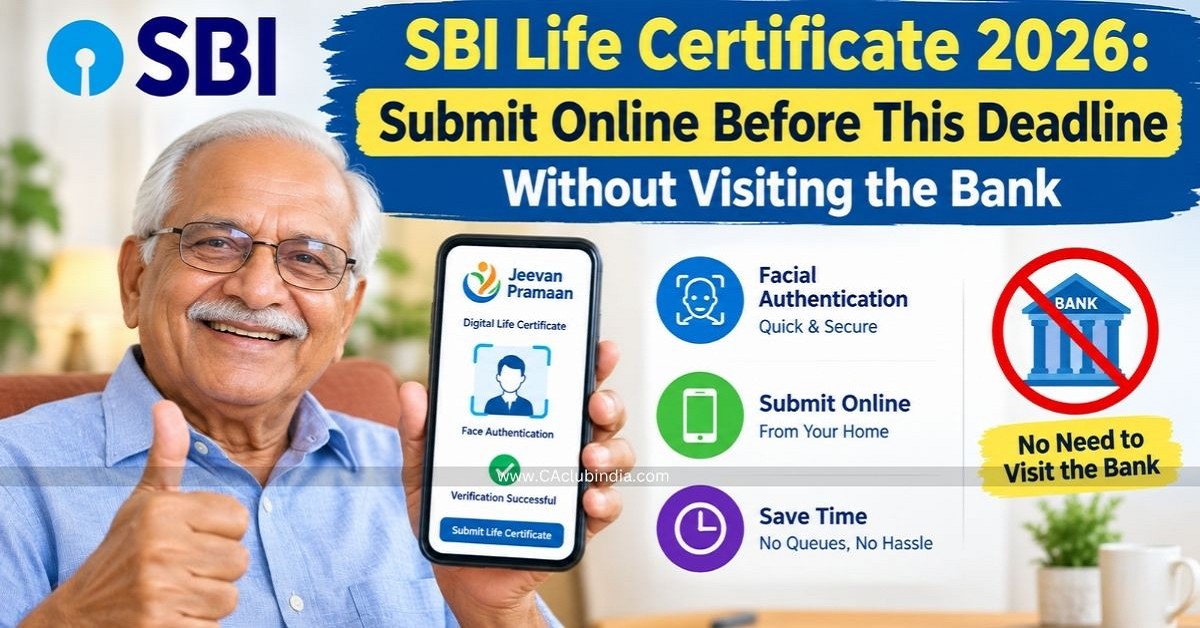
SBI Life Certificate Submission Date
| Age | You can submit from | Last date |
| 80 years and above | 1 October 2026 | 30 November 2026 |
| Below 80 years | 1 November 2026 | 30 November 2026 |
What if I miss the date?
If you fail to submit Life Certificate within the applicable period, your pension payments may stop or withheld until the certificate is received and processed.
What is a Life Certificate?
It is a yearly proof that the pensioner is alive. It helps the bank pay your pension safely and prevents wrong or fraudulent payments. The government started Jeevan Pramaan on 10 November 2014 to make this easier, especially for pensioners who find it hard to travel to a bank or government office.
Documents Required for SBI Life Certificate
- Aadhaar number
- Mobile number (an OTP will come on it)
- Email address (the app asks for it)
- Your name exactly as in pension records
- PPO number (Pension Payment Order)
- SBI pension account number
- Pension Sanctioning Authority and Pension Disbursing Agency (see your PPO papers, for SBI pensioners
- the disbursing agency is SBI)
- A smartphone with a working front camera and internet
Note - Check what you type against your pension records before submitting. One wrong digit can cause rejection.
Apps Required for SBI Life Certificate
You need Two apps. Install them in this order, on an Android phone.
| Particulars | App 1 | App 2 |
| Name | AadhaarFaceRD | Jeevan Pramaan Face App |
| Made by | UIDAI (Aadhaar authority) | Government of India |
| What it does? | Checks your face with Aadhaar, working quietly in the background | The main app where you enter details and get your certificate |
How to Submit SBI Life Certificate Online?
Step 1: Install both apps
Install AadhaarFaceRD first, then Jeevan Pramaan Face App.
Step 2: Operator Authentication
Open the Jeevan Pramaan app and go to the Operator Authentication screen.
- Enter your Aadhaar number, mobile number and email address.
- Tap submit.
- Type the OTP that arrives by SMS.
You can complete this step yourself. If a family member helps, sit beside them.
Step 3: Face scan
- Type your name as in official records.
- Tick the required checkbox.
- Allow camera access when the phone asks.
- Read the on-screen instructions, then look at the camera as told.
For a smooth scan:
- Sit facing a window or lamp, with light in front of you, not behind.
- Hold the phone steady at eye level, with a neutral expression.
- If it fails, try again in different light.
Step 4: Pensioner Authentication (enter pension details)
After the scan, the Pensioner Authentication screen opens. Fill in:
- PPO number
- Pension type
- Pension Sanctioning Authority
- Pension Disbursing Agency
- Bank account details
Check everything once more, then submit.
Step 5: Save your Pramaan ID
When authentication succeeds, your Digital Life Certificate is generated and a Pramaan ID appears on the screen.
Note - Take a screenshot, write the Pramaan ID in your diary, and keep the SMS. You can use the ID to download your certificate later.
Alternative Ways to Submit SBI Life Certificate
| Method | How it works |
| SBI branch (digital) | Carry your Aadhaar number, mobile number, PPO number and pension account number. The branch uses biometric verification such as a fingerprint, and you receive an acknowledgement with a unique Pramaan ID. |
| SBI branch (paper) | SBI still accepts a physical Life Certificate from pensioners who prefer it. |
| Common Service Centre (CSC) | Visit a nearby authorised centre and give your Aadhaar and pension details for biometric verification. |
| UMANG app | Open UMANG, search for Jeevan Pramaan, and follow the instructions. |
| Doorstep banking | If you are unwell or cannot travel, ask your SBI branch how to book this service. |
Also Read
Key Points To Remember
- Never share your OTP, PIN or password, even with someone who says they are from the bank.
- Install apps only from the official links or the official app store.
- Do not pay "fees" to strangers for this service.
- If a caller says "your pension will stop today," hang up and call your branch directly.
- If someone helps you, watch what is typed.
FAQs
Can I submit my SBI Life Certificate without visiting a bank?
Yes, you can but depending on eligibility and availability, pensioners can use Jeevan Pramaan, an authorised CSC, or a doorstep banking service.
What happens if I miss the SBI Life Certificate deadline?
Your pension payments may be interrupted until the certificate is submitted and processed by the relevant authority.
Is SBI Digital Life Certificate Valid for a Lifetime?
No. A Digital Life Certificate is not valid for a lifetime. A fresh certificate must be submitted according to the requirements of the relevant pension-sanctioning authority.











 CAclubindia
