
A single wrong letter in your name, a mistyped date of birth, or an old address can quietly cause a return to fail e-verification, a TDS credit to go unmatched, or a bank KYC update to get rejected. The good news: PAN correction has never been more streamlined.
From 1 April 2026, the entire process runs on new, standardised forms - PAN CR-01 for individuals and PAN CR-02 for non-individuals - filed online through Protean (formerly NSDL e-Gov) or UTIITSL. This guide walks through exactly how to correct your PAN online in 2026, what it costs, which documents you need, and how long it takes.
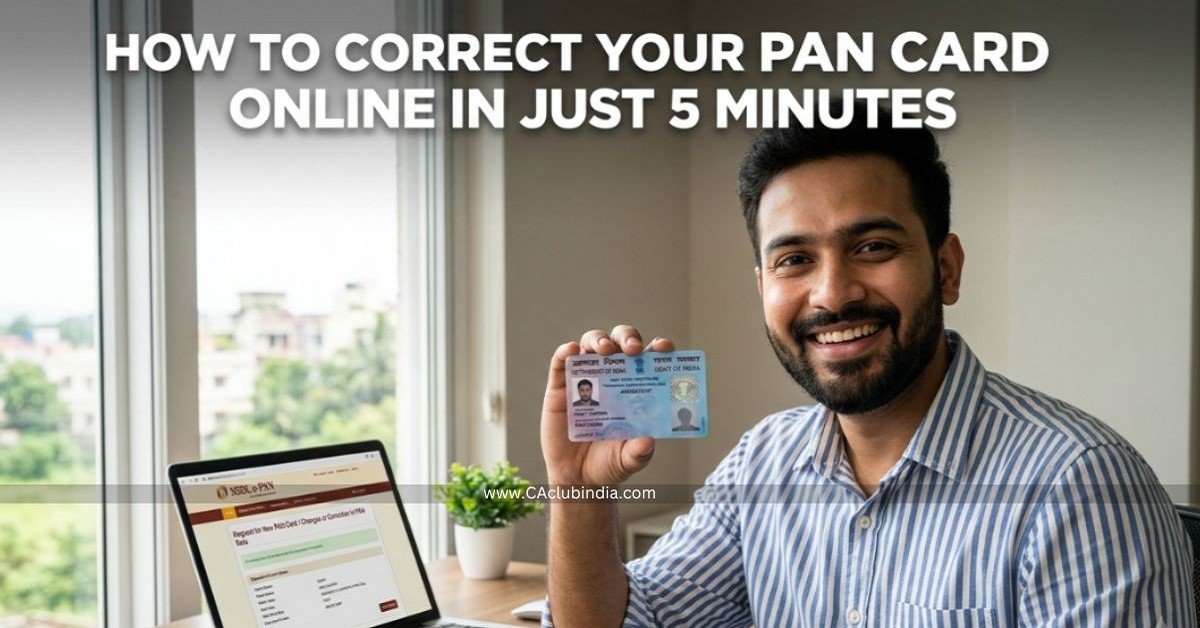
Visit the Protean (tinpan.proteantech.in) or UTIITSL (pan.utiitsl.com) portal, select "Changes or Correction in existing PAN Data," enter your existing PAN, tick only the fields you want to change, upload supporting proof for each change, complete Aadhaar-based e-KYC or e-Sign, pay the fee (around ₹107 for an Indian address), and submit. You'll get a 15-digit acknowledgement number to track your application. Your PAN number itself never changes - only the details printed against it are updated.
What Changed in PAN Correction for 2026?
Under Rule 158(12) of the Income-tax Rules, 2026, read with Section 262 of the Income-tax Act, 2025 , the Directorate of Income-tax (Systems) has replaced the older combined change-and-correction form with two dedicated forms:
| Form | Applicable To | Replaces |
| PAN CR-01 | Individuals, HUFs, minors | Old combined correction form (Form 49A based) |
| PAN CR-02 | Companies, firms, LLPs, trusts, AOPs, BOIs, other entities | Old combined correction form (Form 49B based) |
Applications on the pre-2026 format filed after 31 March 2026 are liable to be rejected, so professionals assisting clients should update their checklists and templates immediately. Note also that from April 2026, Aadhaar alone is no longer accepted as proof of date of birth - a birth certificate, passport, or matriculation certificate is required for DOB corrections.
Click To Download PAN Card Correction Form
What Can Be Corrected on a PAN Card?
- Full name (including spelling errors and legal name changes)
- Father's name / parent's name selection
- Date of birth
- Photograph and signature
- Gender
- Communication and residential address
- Mobile number and email ID linked to PAN
The PAN number is a lifetime identifier and is never reissued through a correction — only the underlying data changes.
Protean (NSDL) vs UTIITSL: Which Portal Should You Use?
Check the back of your existing PAN card - it names the printer, either Protean (formerly NSDL) or UTIITSL. While either portal can technically process a correction for any PAN, using the one that originally issued your card generally results in a smoother verification, since your records already sit with that agency.
Step-by-Step: How to Correct PAN Online via Protean
- Go to the Protean PAN portal (tinpan.proteantech.in) and select "Changes or Correction in existing PAN Data."
- Choose applicant category - Individual, HUF, or the relevant entity type - and enter your existing PAN, name, date of birth, and contact details. This generates a token/reference number; save it, as it lets you resume a half-completed form.
- Select the submission mode. Paperless e-KYC with Aadhaar OTP is the fastest - your Aadhaar demographic data is pulled directly and nothing needs to be printed or posted. Alternatively, choose scanned upload with e-Sign, or print and post a physically signed form.
- Tick only the fields you want corrected and enter the updated value for each - don't re-enter unchanged fields.
- Upload supporting documents for each correction (see the document table below), along with a photograph and signature if those are being updated.
- Pay the applicable fee via net banking, debit/credit card, or UPI.
- Submit and download the acknowledgement. A 15-digit acknowledgement number is generated — save and print this for tracking and any future correspondence.
Most applicants complete this in under 20 minutes when using Aadhaar e-KYC.
Step-by-Step: How to Correct PAN Online via UTIITSL?
- Visit the UTIITSL PAN services page (pan.utiitsl.com) and select "Change/Correction in PAN Card."
- Enter your existing PAN and choose Aadhaar-based e-KYC or the physical document mode.
- Open the PAN CR-01 correction form, tick the fields requiring change, and fill in the corrected values.
- Upload proof documents matching each correction requested.
- Complete authentication (Aadhaar OTP or e-Sign) and pay the fee online.
- Submit the form to receive your application coupon number for tracking.
Documents Required for PAN Correction
| Correction Sought | Acceptable Proof |
| Name change | Aadhaar, marriage certificate, gazette notification, passport |
| Date of birth | Birth certificate, passport, matriculation certificate (Aadhaar alone not accepted from April 2026) |
| Address | Aadhaar, utility bill, bank statement, passport, voter ID |
| Photo/signature update | New scanned photograph and signature as per specifications |
| Identity (base document) | Aadhaar preferred; alternatively voter ID, passport, or driving licence |
PAN Correction Fees in 2026
| Delivery Type | Indian Address | Foreign Address |
| Physical card + e-PAN | ₹107 (incl. GST) | ₹1,017 (incl. GST) |
| e-PAN only (digital) | ₹66–72 (incl. GST) | Not applicable |
Note: Fees are revised periodically by CBDT, Protean, and UTIITSL. Always confirm the current fee on the official portal before making payment, as figures across sources for 2026 range between roughly ₹50 and ₹110 depending on the exact service opted for.
Processing Timeline
- e-PAN generation: Usually within 2-3 working days of successful e-KYC.
- Physical card dispatch: Typically 15-20 days from submission, including document verification and courier time.
- Applications stuck in "Under Processing" for more than 15 days should not be resubmitted, as a duplicate application can trigger rejection of both requests.
How to Track Your PAN Correction Status?
On the Protean/NSDL Portal
- Visit the NSDL/Protean PAN Track Status page.
- Select Application Type as "PAN – New / Change Request."
- Enter your 15-digit acknowledgement number and the captcha, then submit.
On the UTIITSL Portal
- Visit the UTIITSL tracking portal (trackpan.utiitsl.com).
- Enter your Application Coupon Number, or your existing 10-digit PAN if the coupon number is lost.
- Enter your date of birth and captcha, then submit.
Common Mistakes That Cause Rejection
- Using the pre-April 2026 correction form instead of PAN CR-01/CR-02.
- Submitting Aadhaar alone as date-of-birth proof after the April 2026 rule change.
- Ticking fields that don't need correction, which can trigger unnecessary re-verification.
- Mismatched spelling between the correction form and the supporting document.
- Reapplying while an existing application is still "Under Processing."
FAQs
Which form is used for PAN correction in 2026?
Individuals use Form PAN CR-01; non-individuals such as companies, firms, LLPs and trusts use Form PAN CR-02, effective from 1 April 2026.
Does my PAN number change after correction?
No. Only the details printed on and linked to the card change. The 10-digit PAN number remains the same for life.
How much does PAN card correction cost online?
Roughly ₹107 (inclusive of GST) for a physical card to an Indian address, with a lower cost for e-PAN only. Foreign addresses cost around ₹1,017. Always verify the current fee on the official portal.
How long does PAN correction take in 2026?
The e-PAN is usually ready in 2-3 working days after e-KYC; the physical card typically arrives in 15-20 days.
Can I correct my PAN card without visiting a PAN centre?
Yes, using paperless Aadhaar OTP e-KYC, the entire process can be completed online without printing or posting anything.
What happens if I don't correct an error on my PAN card?
It can cause Aadhaar-PAN mismatches, failed ITR e-verification, TDS credit mismatches, and rejected KYC updates with banks and other institutions.









 CAclubindia
