
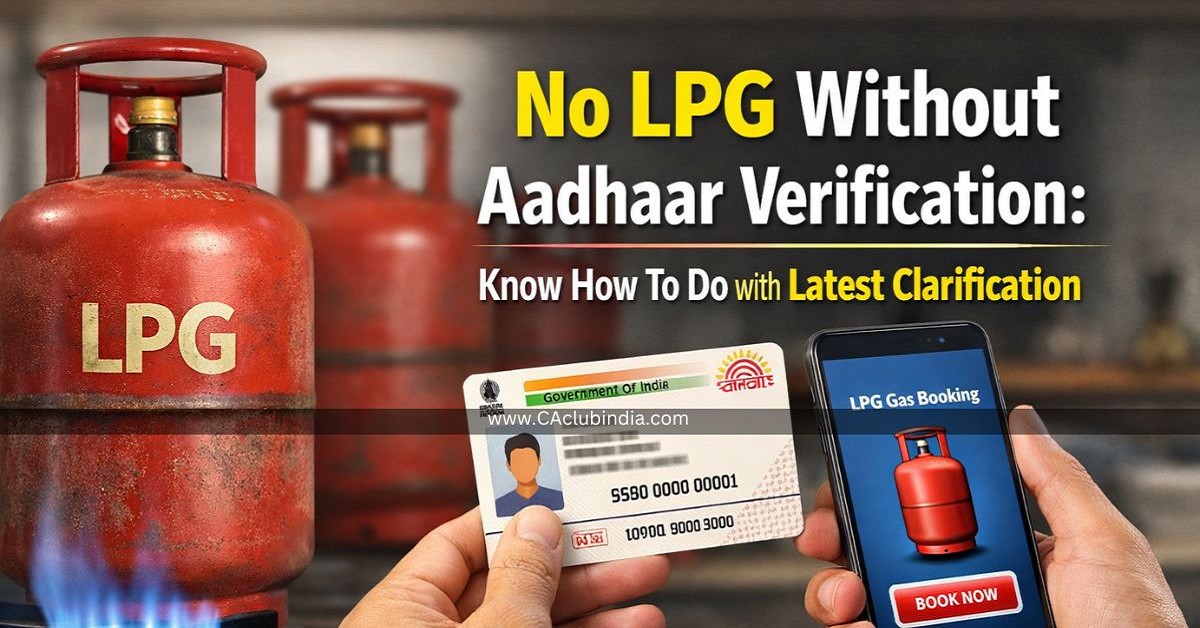
Government has made an important update about Aadhaar-based biometric e-KYC compulsory for all domestic LPG consumers. This means you must verify your identity using Aadhaar.
LPG Users can now complete Biometric Aadhar authentication (e-KYC) from the comfort of their home using mobile apps of gas companies (such as IOCL/BPCL/HPCL) and Aadhaar FaceRD app for biometric verification face scan.
Why it is important?
Without e-KYC:
- LPG services or subsidy may be stopped.
Purpose:
- To ensure subsidy reaches the right people and stop fake or duplicate gas connections.
How to do Aadhaar-based biometric e-KYC?
- Download IndaneOil ONE App and sign up using your registered mobile number or email address .
- Then link your 16-digit LPG ID available on your cash memo or subscription voucher.
- On the home screen, tap on " My Profile ".
- Go to the LPG Details -> Indane Details section of the My Profile page and tap on ReKYC .
- Some instructions and conditions will appear on the screen. Read them carefully and provide your consent.
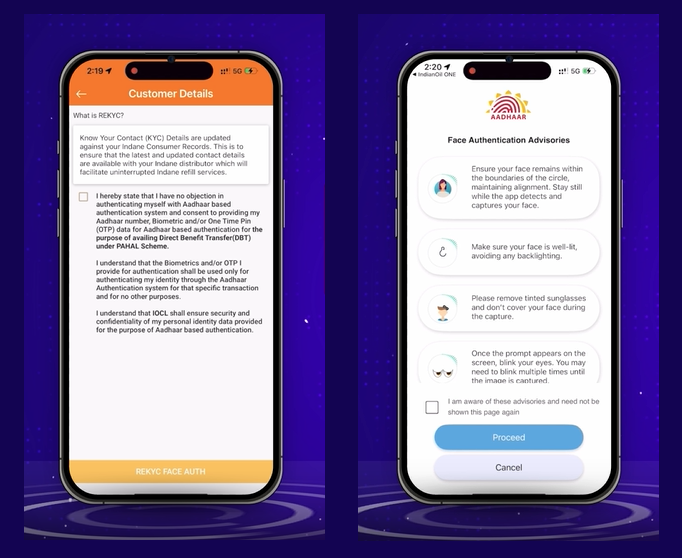
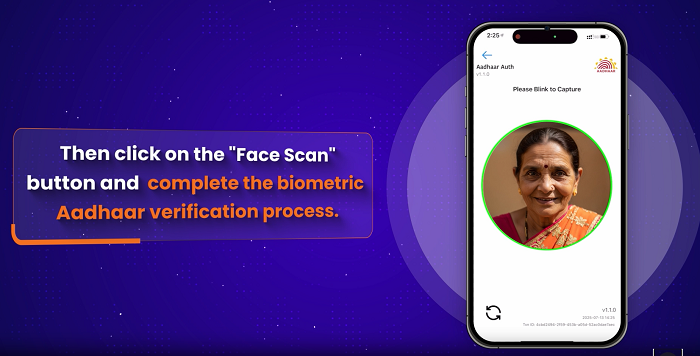
- Then click on the " ReKYC FACE AUTH " button and complete the biometric Aadhaar verification process.
Note
If your Aadhaar is biometrically locked, first unlock it because the Aadhaar linked e-KYC process cannot be completed if your biometrics are locked.
How to unlock the Aadhaar?
- Download the mAadhaar app from Google Store or Apple App Store and register using your Aadhaar.
- Go to " My aadhaar " section and select " Biometric Settings ".
- Then click on " Unlock Biometric " and unlock your biometric using the OTP.
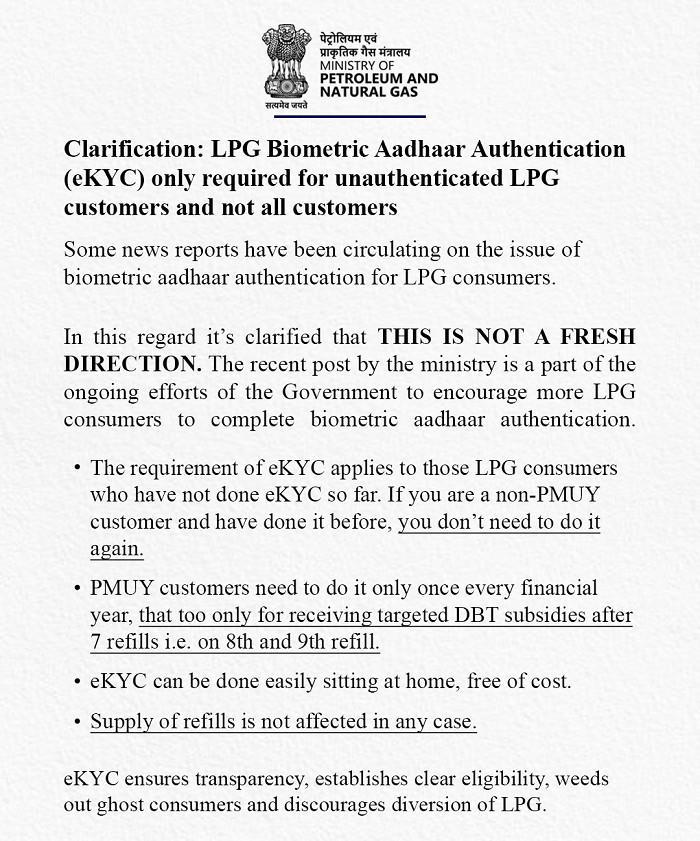
Latest Clarification
LPG Biometric Aadhaar Authentication (eKYC) only required for unauthenticated LPG customers and not all customers.











 CAclubindia
