
GST Refund Annexure B Template Upload Failure - A Common Problem Faced by Exporters
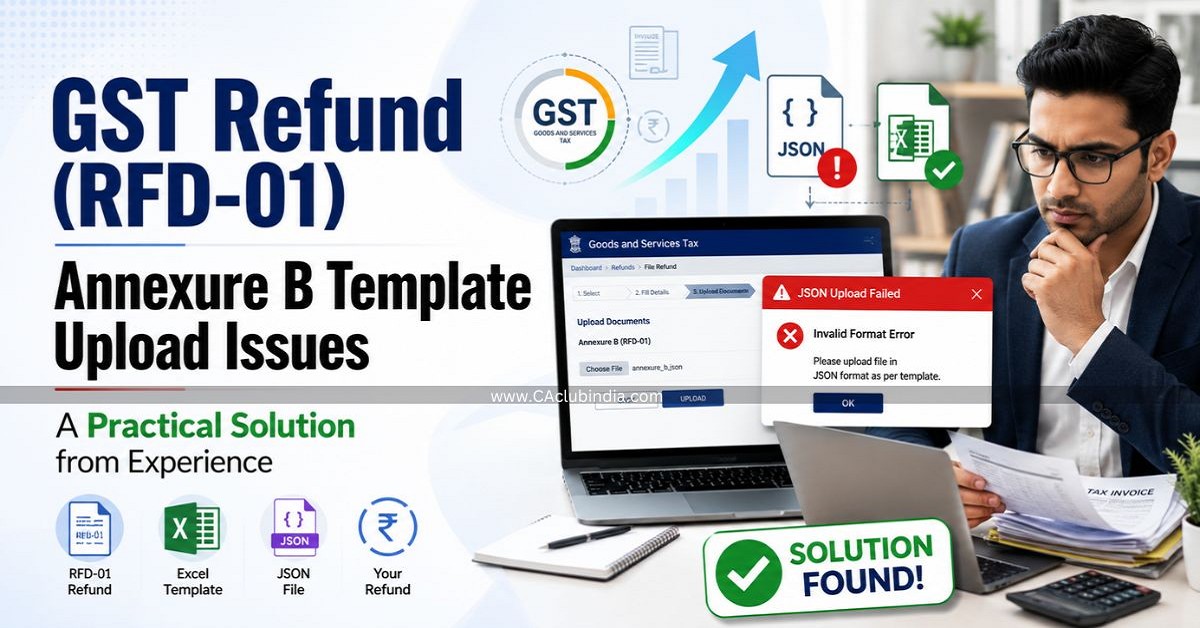
In recent months, many exporters and GST professionals have been facing a major challenge while filing GST refund applications (Form GST RFD-01). One of the most frustrating issues is the failure to upload the Annexure B Excel template.
The GST portal simply displays an "Invalid Data Format" or upload failed message without identifying the exact reason for the error. As a result, taxpayers spend hours checking the file repeatedly, often without success.
After handling several refund applications and analyzing numerous failed uploads, I identified one of the most common causes of this problem.
The Hidden Reason Behind the Upload Error
The Annexure B template contains several fields that accept only predefined values. These values must match the GST portal's expected text exactly .
The most sensitive columns are:
- Type of Inward Supply
- Type of Document
- Category of Input Supplies
- Whether ITC blocked under Section 17(5)
- Eligible for ITC
Most professionals copy these values from previous refund files or other Excel sheets. Although the values may appear identical, even the slightest difference can cause the upload to fail.
Examples include:
- Difference between uppercase and lowercase letters.
- Extra spaces before or after the text.
- Hidden or non-printable characters.
- Minor spelling variations.
- Copying data from another workbook with different formatting.
The GST portal does not indicate which cell contains the error, making troubleshooting extremely difficult.
Practical Solution
Before uploading the Annexure B template:
- Verify every value entered in the above columns.
- Use only the exact wording prescribed in the GST template.
- Avoid copying values from old files unless they are verified.
- If data is copied, paste it carefully and ensure no extra spaces or hidden characters remain.
- Wherever possible, use the drop-down selections provided in the template instead of manually typing or copying values.
Result
Based on my practical experience with GST refund applications, correcting these five columns resolves approximately 95% of Annexure B upload failures .
Conclusion
Many professionals assume the problem lies with the GST portal. However, in most cases, the issue is caused by minor text mismatches in these predefined fields. A careful review of these columns can save significant time and avoid repeated upload failures.
I hope this practical tip helps fellow Chartered Accountants, Tax Practitioners, GST Consultants, and Exporters complete their refund applications more efficiently.
The author can also be reached at etaxcochin@gmail.com









 CAclubindia
