
Keeping track of your EPF balance is important for every salaried employee. It helps you verify that your employer is depositing contributions regularly, ensures that interest is being credited correctly, and allows you to monitor the growth of your retirement savings. Fortunately, the Employees' Provident Fund Organisation (EPFO) provides several convenient ways to check your EPF balance online and offline.
Whether you prefer using a website, mobile app, SMS service, or missed-call facility, you can access your EPF account information within minutes. This guide explains each method in detail so you can choose the option that works best for you.
Things You Need Before Checking Your EPF Balance
Before you begin, make sure you have an activated Universal Account Number (UAN). Your UAN should be linked to your current mobile number because most EPFO services require OTP verification or registered mobile authentication. It is also recommended to complete your KYC details, including Aadhaar, PAN, and bank account information, to avoid any access issues.
Having these details updated ensures a smooth experience while checking your EPF balance and using other EPFO services.
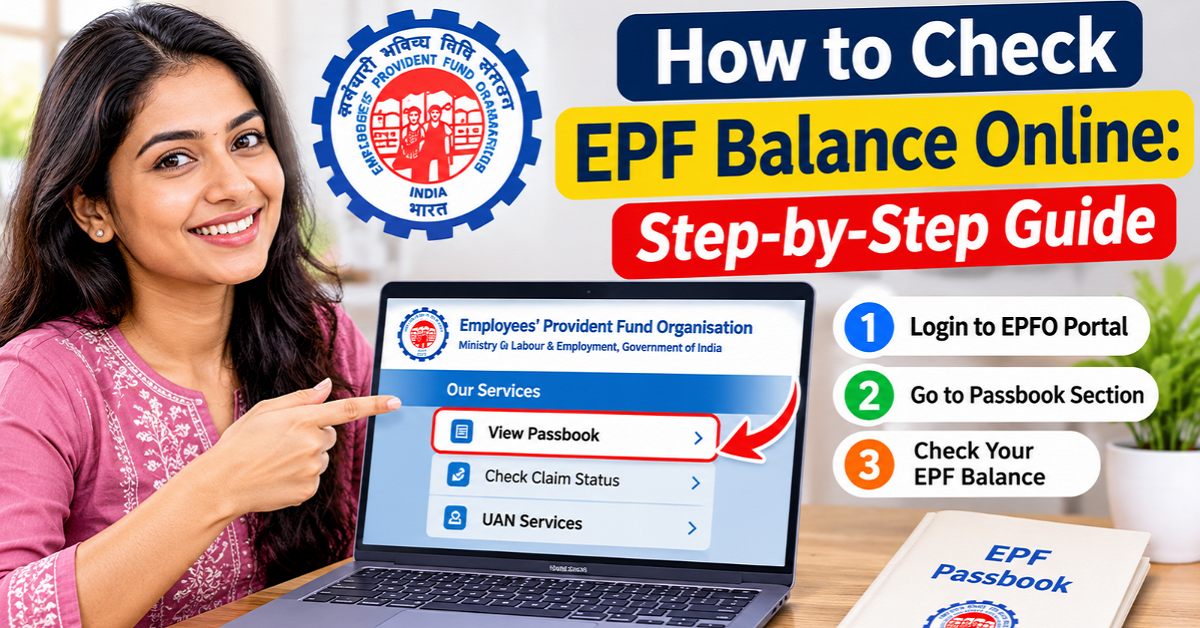
Method 1: Check EPF Balance Through the EPFO Passbook Portal
The EPFO Passbook Portal is the most detailed and reliable way to check your EPF balance. It allows you to view your complete contribution history, employer deposits, interest credits, and account transactions.
To get started, visit the EPFO Member Passbook Portal and log in using your UAN and password. After entering the captcha code and signing in, select the Member ID associated with the EPF account you want to view.
Once logged in, you'll be able to access your passbook, which displays all contributions made by you and your employer. You can also download the passbook for future reference. This method is particularly useful if you want a detailed breakdown of your account activity rather than just the current balance.
Steps:
- Visit the EPFO Passbook Portal.
- Log in using your UAN and password.
- Enter the captcha code and click Sign In.
- Select the relevant Member ID.
- View or download your EPF passbook.
Method 2: Check EPF Balance Using the UMANG App
The UMANG (Unified Mobile Application for New-age Governance) app offers an easy way to access EPFO services from your smartphone. This method is ideal for employees who prefer checking account details on the go without opening a web browser.
After downloading the UMANG app from the Google Play Store or Apple App Store, register using your mobile number and navigate to the EPFO section. Under Employee Centric Services, select the option to view your passbook. You will be asked to enter your UAN and complete OTP verification.
Once authenticated, the app displays your EPF balance, contribution details, and account activity. Since UMANG integrates multiple government services into a single platform, it is a convenient tool for accessing various public services from one account.
Steps:
- Install the UMANG app.
- Log in or create an account.
- Go to EPFO → Employee Centric Services → View Passbook.
- Enter your UAN.
- Verify using OTP.
- Check your EPF balance and passbook details.
Method 3: Check EPF Balance Through a Missed Call
If you need a quick balance update and do not have internet access, the missed call service is one of the easiest options available. The service is free and works round the clock.
Simply give a missed call to 9966044425 from the mobile number registered with your UAN. The call disconnects automatically after a ring, and within a few moments, you receive an SMS containing your EPF account details.
This method is especially useful for employees who want an instant balance update without logging into any portal or application.
Requirements:
- Activated UAN
- Registered mobile number
- Aadhaar, PAN, or bank account linked with UAN
Method 4: Check EPF Balance Through SMS
EPFO also provides an SMS facility that allows members to obtain account details using a simple text message. This option is helpful when internet connectivity is limited but you still need access to your EPF information.
To use this service, send the following message from your registered mobile number:
EPFOHO UAN
Send the SMS to: 7738299899
After the request is processed, you will receive a reply containing your EPF balance along with basic account details. The service is quick, simple, and convenient for users who prefer traditional communication methods.
Common Issues While Checking EPF Balance
Sometimes users are unable to view their EPF balance despite following the correct process. In most cases, the issue is related to account activation or verification.
One common reason is an inactive UAN. If your UAN has not been activated, you may be unable to access many EPFO services. Another frequent issue is outdated or incorrect mobile number information, which can prevent OTP verification.
Employees also face problems when KYC details are incomplete. Missing Aadhaar, PAN, or bank account information may restrict access to certain services. Additionally, recent employer contributions may take a few days to appear in your account, so a temporary delay does not necessarily indicate a problem.
If you encounter any of these issues, updating your information and waiting for the latest transactions to be processed usually resolves the problem.
Why It Is Important to Monitor Your EPF Balance
Many employees only check their EPF account when changing jobs or planning a withdrawal. However, reviewing your balance regularly can help you stay informed about your retirement savings and identify any discrepancies quickly. Regular monitoring ensures that employer contributions are being deposited correctly and on time. It also helps you track the growth of your retirement corpus, including the interest credited by EPFO each year.
By checking your balance periodically, you can spot missing contributions, verify account information, and gain a better understanding of your long-term financial position. This simple habit can play an important role in effective financial planning.













 CAclubindia