
Aadhaar is not only used as an identity document but nowadays it has also become important for bank-related, SIM connections, government schemes and other services.
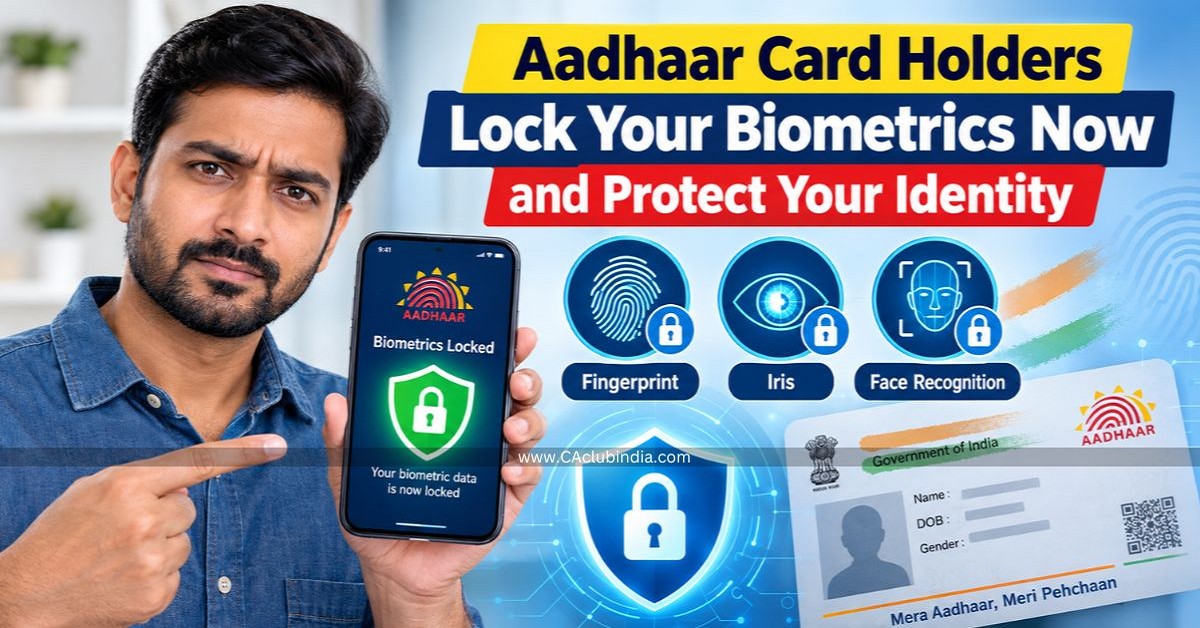
Here, in this identity document, biometric information mainly includes fingerprint authentication, iris authentication and face authentication which are used for Aadhaar authentication.
Now, if you are concerned about unauthorized biometric use, you may lock the biometric information associated with Aadhaar.
To provide an additional layer of security, the Unique Identification Authority of India (UIDAI) allows Aadhaar holders to lock their biometric authentication.
What happens if you lock your Aadhaar Biometric?
Aadhaar biometric lock is a additional layer of security facility that restricts the use of the biometric information linked to an Aadhaar number. Once the Aadhaar biometric are locked:
- Fingerprint and Iris-based authentication cannot performed.
Your biometric information remains protected from biometric authentication.
Does Biometric Lock Deactivate Your Aadhaar?
No. Locking your Aadhaar biometrics doesn't cancel, deactivate or invalidate the Aadhaar number. It only blocks the biometric authentication facility.
How to Lock or Unlock Aadhaar Biometrics Online?
Aadhaar biometric locking can be managed through UIDAI's online services.
- Visit the official UIDAI website .
- Under access Aadhaar services, select the option to "lock or unlock biometric" authentication.
- Log in with your Aadhaar number and enter Captha.
- Enter the OTP sent to the mobile number registered with Aadhaar.
- Go to "service" -> "Keep Aadhaar Secure" -> "lock or unlock biometric".
- Select options say "Fingerprint authentication", "Face authentication" and "Iris authentication" to lock the biometrics.
- Once these are locked, you cannot carry out biometric authentication by using Fingerprint, Face and Iris.
Note: Aadhaar demographic and OTP-based services can continue even when biometric authentication is locked.
For Unlock Aadhaar Biometrics, you can choose:
- Temporary unlocking - which can provide a 10-minute usage window.
- Permanent unlocking - which keeps biometrics available until you lock them again.
How to Lock or Unlock Aadhaar Biometrics Through Aadhaar App?
- Open the Aadhaar app.
- Log in using your Aadhaar number and OTP.
- Open the biometric or security settings.
- Select the biometric lock or unlock option as required.
In short
Biometric locking is a security facility that gives Aadhaar holders greater control over biometric authentication.











 CAclubindia

