Abhishek Verma
Managing tax compliance is the key to every Indian business. Regardless of that, GST challan payment online is an easy task for you to waste no time and complete the payment of your GST dues in a secure environment. As how to check payment status of these payments can bring together time and prevent errors when it comes to filed returns. Businesses frequently have delays or confusion with the fact that payments are not reflected immediately.
By knowing about the process of the online terminal, you can prompt your transactions to be registered properly. Based on my mathematical experience during high school and college, this is a guide to how we understand the step-by-step procedure as well as tools that you can use, and practical tips. Even small businesses that are using accounting or online invoice software will find these methods simple and effective.
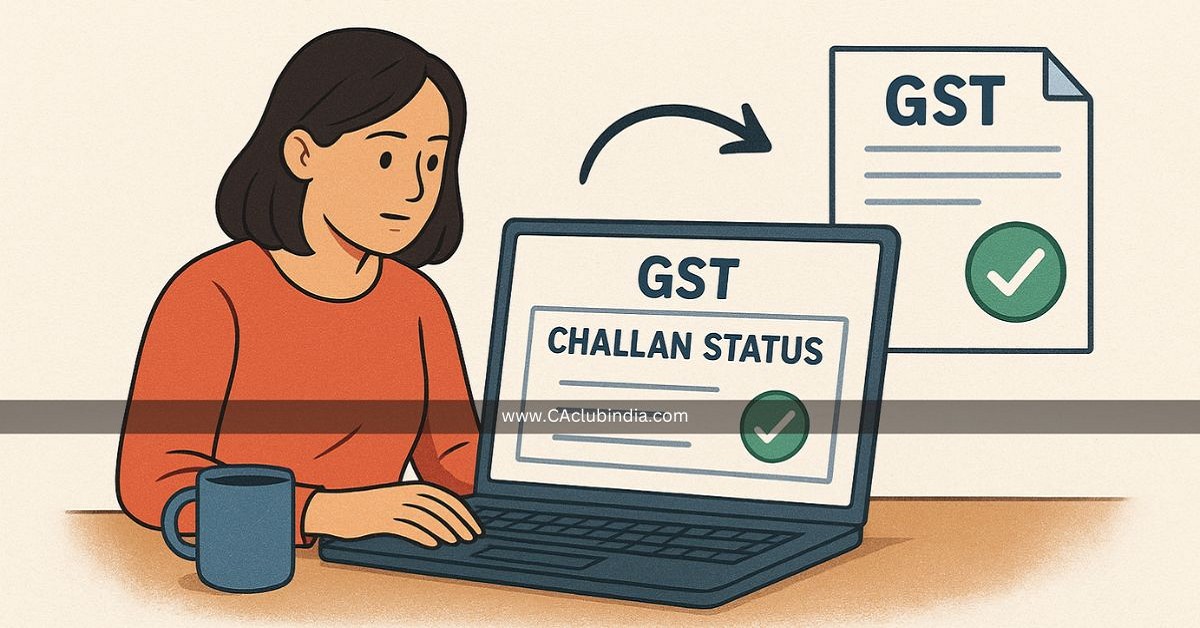
How to Access GST Challan Status?
Checking GST Challan Payment Online begins with accessing the official GST portal. Follow these steps:
- Visit the GST Portal
- Log in using your GSTIN and credentials.
- Navigate to Services → Payments → Challan History.
- Enter the Challan Identification Number (CIN) or the payment reference number.
- Click on Search to view the payment status
Businesses in India, such as retailers in Mumbai or manufacturers in Pune, often use this section as their affirmation for timely payment of money before they can file monthly returns.
Understanding the Payment Status
Once you gain access to the status, the portal displays such details as:
- Payment successful - payment has been cleared and credited.
- Pending or Processing - the bank is processing the transaction.
- Evaluated Teams entered failed - payment did not go through, resubmission required.
Common Reasons for Delays
- Bank server problems during high hours.
- Incorrect CIN or GSTIN entry.
- Network glitches when submitting payment
Verifying Through Bank Statements
Another way to make GST Challan Payment Online is through your bank statement:
- The CNI mentioned GST challan must match the bank reference.
- Look for the timing of payments to make sure they were paid before payments would be due.
- Flag out discrepancies right away to be resolved more quickly.
This approach is helpful to make payments by small Delhi or Bangalore businesses, for which multiple payments occur daily, and reconciliation errors may occur.
Using Accounting Software for Tracking
Modern accounting software makes the verification process for making GST payments easy:
- Auto-Import Bank transactions and associate the same with GST challans.
- Generate reports of pending payment, successful payment and failed payment.
- Reduce manual errors in filing.
Checking With Online Invoice Software
Businesses that use online invoice software can add GST tracking and payment:
- The GST liability is automatically reflected in invoice records.
- Payment links tend to contain CIN for the sake of verification.
- To notify the user if the payment of GST has not been reflected.
Tips for Smooth GST Challan Verification
- Always have CIN with you as well as bank references.
- Cross-check payment entries weekly so that there are no last-minute errors.
- Maintain a separate log of transactions that fail
- Contact your bank right away if the payment fails or is in a delayed status.
This is good practice for Indian businesses in industries such as wholesale, manufacturing or e-commerce where there are several GST payments per month.
Check GST Challan Status
Verifying your GST challan payment online status allows you to be in sync with the rules of GST and remain a GST tax filer without any mistakes. Many Indian businesses suffer delays in return filing due to the failure of reflection of payments on the portal. A quick status check to make sure your CIN is good, that the payment has been greeted and there are no pending matters.
This is another easy habit to take that will help you keep track of entries with bank accounts and be prepared for an audit. Whether you run a retail shop, trading unit or service firm, it is important to ensure your GST challan status is GST compliant to ensure your compliance process is clean, smooth and reliable.
Troubleshooting Payment Issues
If your GST challan payment online is not reflecting:
- Recheck CIN and GSTIN details.
- Check to be sure that your bank has accepted the payment.
- Clear browser cache or try a different device for portal Access.
- Raise the query via the GST portal help desk.
These steps result in reducing repeated payment submission and also reducing errors. It also offers automated alerts in case of a payment failure, which can help you take timely action.
Conclusion
Checking GST challan payment online solution makes sure your GST compliance stays accurate and in a timely manner. From small retailers to medium manufacturers, Indian businesses make errors by depending on payment status before paying taxes on return. Using bank statements, our software makes the process more organized.
Keeping a close eye on CIN and payment timestamps prevents delays or missed payments. A platform such as MargBooks software eases the process of reconciliation, error prevention and record keeping for audits. Following these steps will always save time, reduce stress and ensure your GSTs are run transparently. Timely verification is an easy habit that ensures smooth business compliance from month to month.










 CAclubindia