The GST portal has introduced an Invoice Management System (IMS) Offline Tool, enabling businesses to manage invoices more efficiently without being constantly connected to the portal.
The IMS system, originally launched from the October 2024 tax period, allows recipient taxpayers to take necessary actions on invoices uploaded by suppliers via GSTR-1, GSTR-1A, or the Invoice Furnishing Facility (IFF). With the introduction of the offline utility, this process has now become more flexible and user-friendly.
What is the IMS Offline Tool?
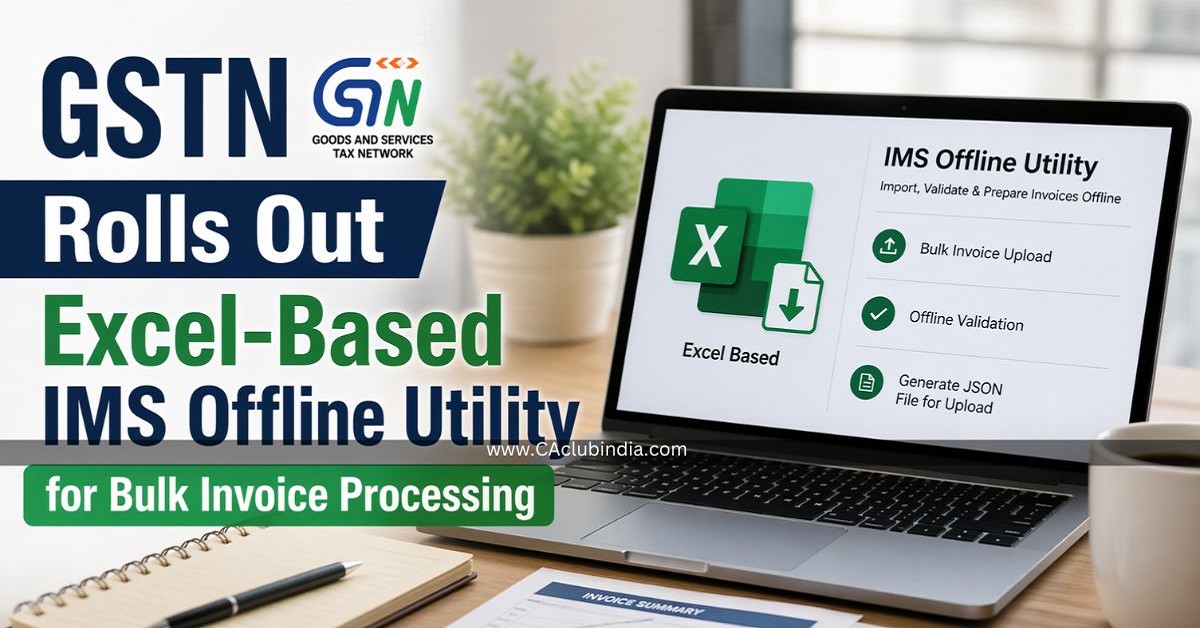
The newly launched IMS Offline Tool is an Excel-based utility that allows taxpayers to download invoice data, take bulk or individual actions, and upload updates back to the GST portal. This tool aims to reduce dependency on real-time portal access while improving efficiency in handling large volumes of invoice data.
Key Features and Benefits
- Bulk Invoice Processing: Taxpayers can accept, reject, or mark invoices as pending in bulk.
- Offline Accessibility: Work can be done without continuous internet connectivity.
- Auto-population of Data: JSON files downloaded from the portal can be imported directly into the tool.
- Validation Mechanism: Built-in validation ensures compliance with GST rules before uploading.
- Error Handling: In case of errors, users can download error reports, rectify issues, and re-upload seamlessly.
Step-by-Step Usage Guide
1. Download the Tool
Users can download the IMS Offline Tool from the GST portal under:
Downloads → Offline Tools → IMS Offline Tool
The file is provided in a ZIP format, which must be extracted. Users need to enable macros to access the Excel utility.
2. Download Invoice Data
Navigate to: Services → Returns → IMS Dashboard → Offline
Download the invoice data in JSON format and save it locally.
3. Import and Take Actions
- Import the JSON file into the tool
- Review invoices and mark them as:
- Accept
- Reject
- Pending
- No Action
- Add remarks if required
- Validate the sheet before proceeding
4. Generate and Upload JSON
- Generate a JSON file after validation
- Upload it back to the GST portal via the IMS dashboard
Important Points to Note
- The offline tool follows the same business rules and validations as the online IMS dashboard.
- If no changes are made, the generated JSON file will be empty.
- Filters are available but get cleared upon validation.
- Errors during upload generate a "Processed with Error" file, which can be corrected and re-uploaded.
- Uploaded data updates or replaces existing records for the same GSTIN.
Click here to check the official copy of the advisory
A Step Towards Digital Ease
This initiative reflects GSTN's continued efforts to improve compliance infrastructure and reduce operational burdens for taxpayers. By enabling offline processing and bulk actions, the IMS Offline Tool is expected to significantly benefit businesses dealing with high invoice volumes.












 CAclubindia
